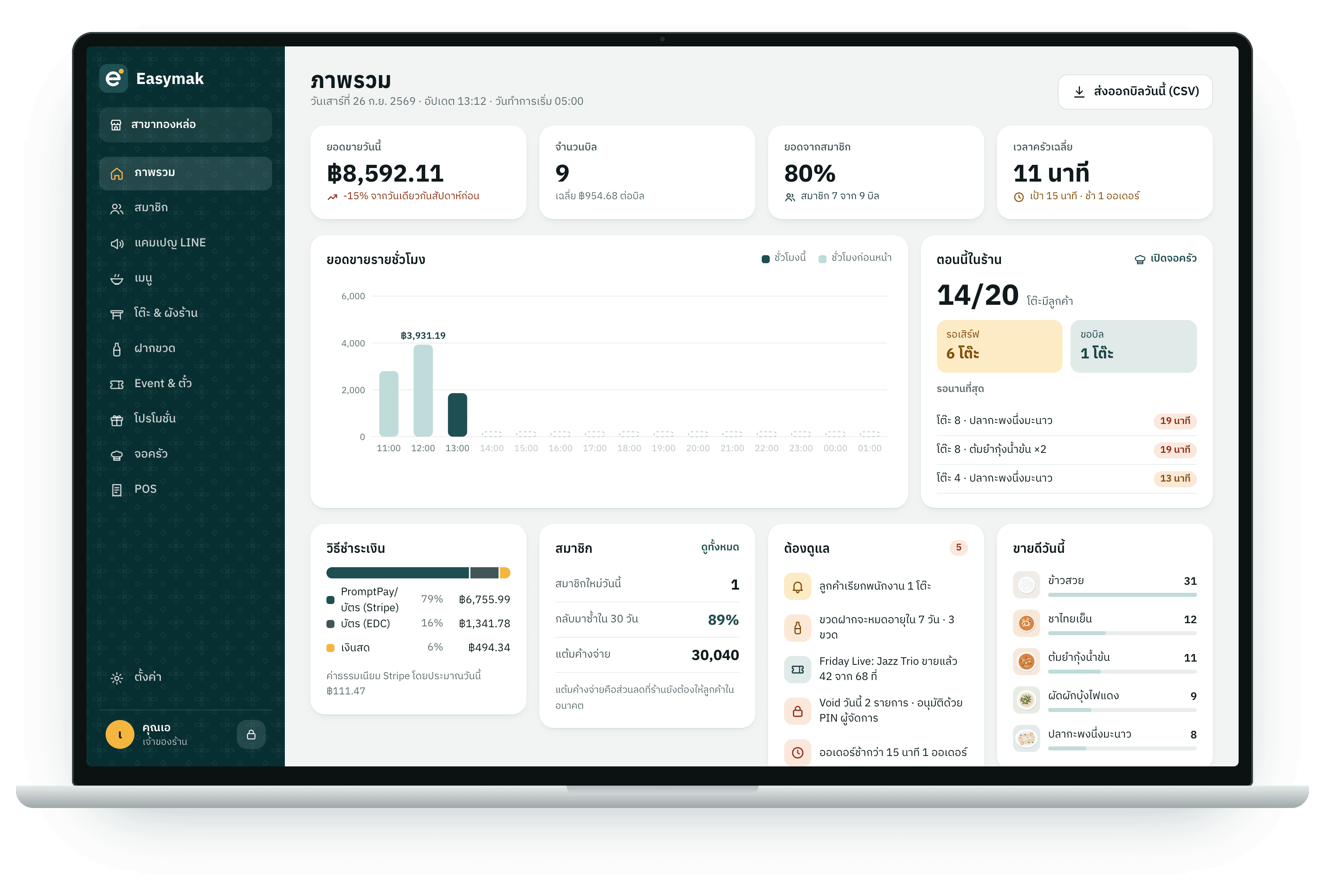
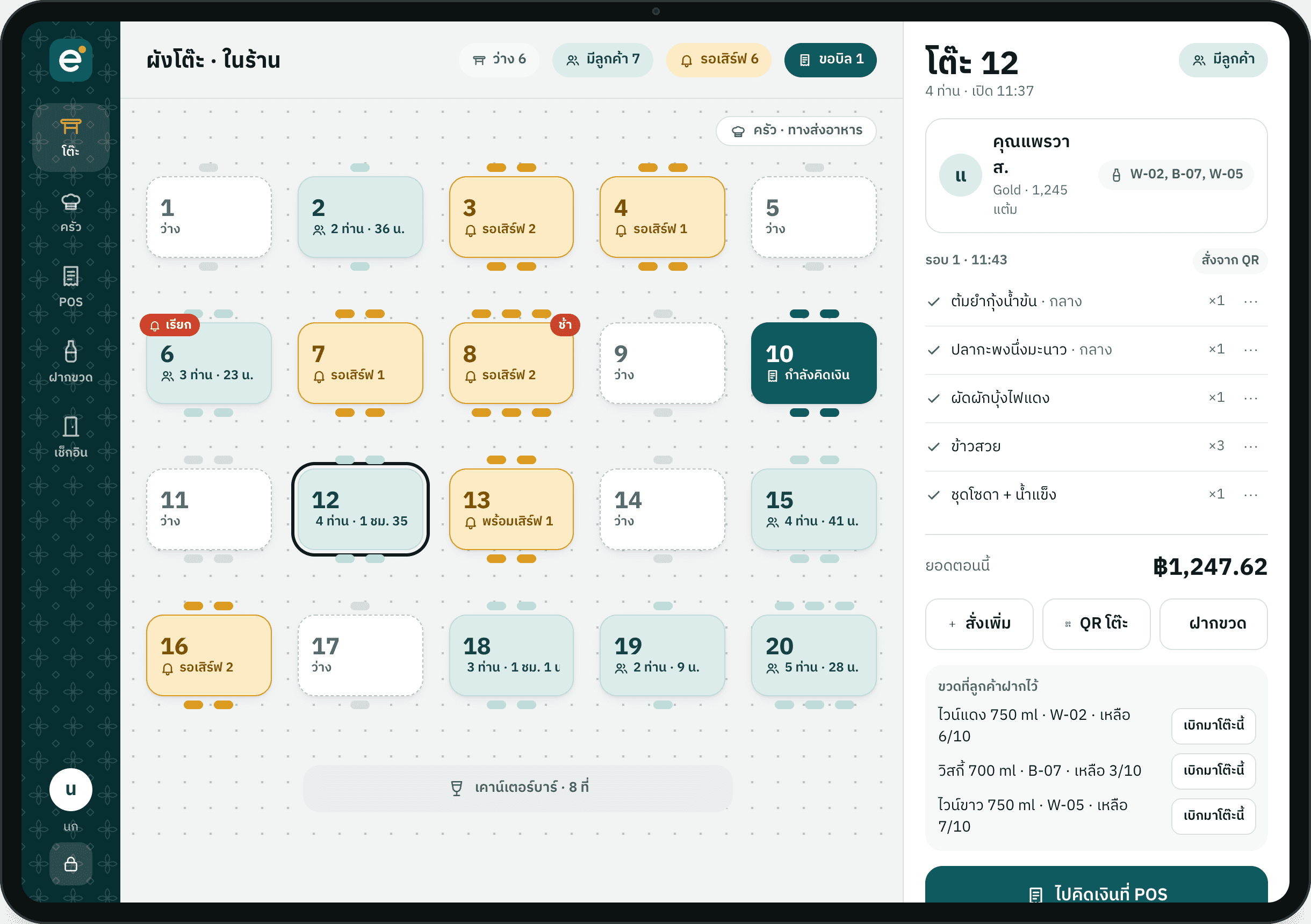
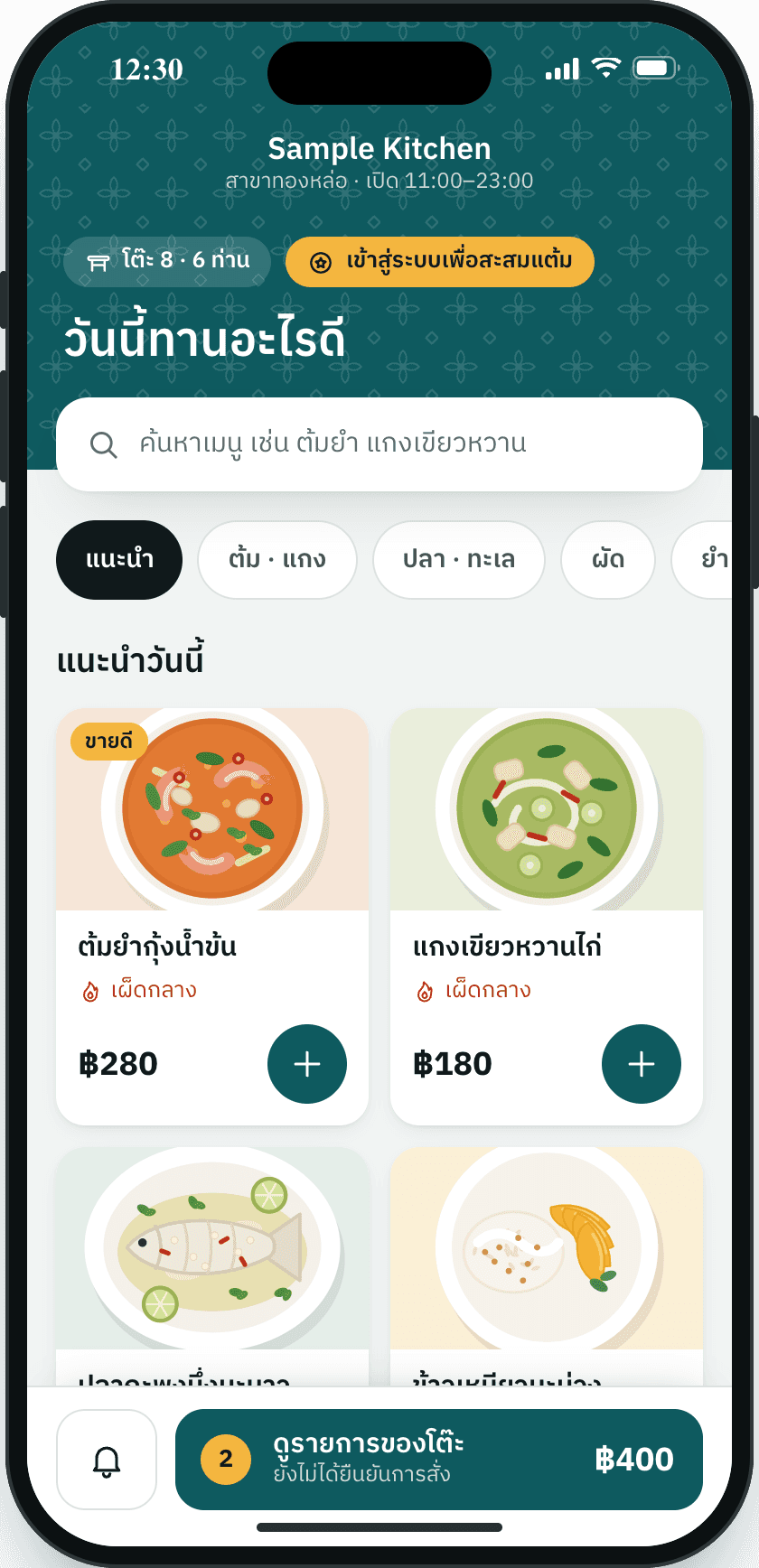
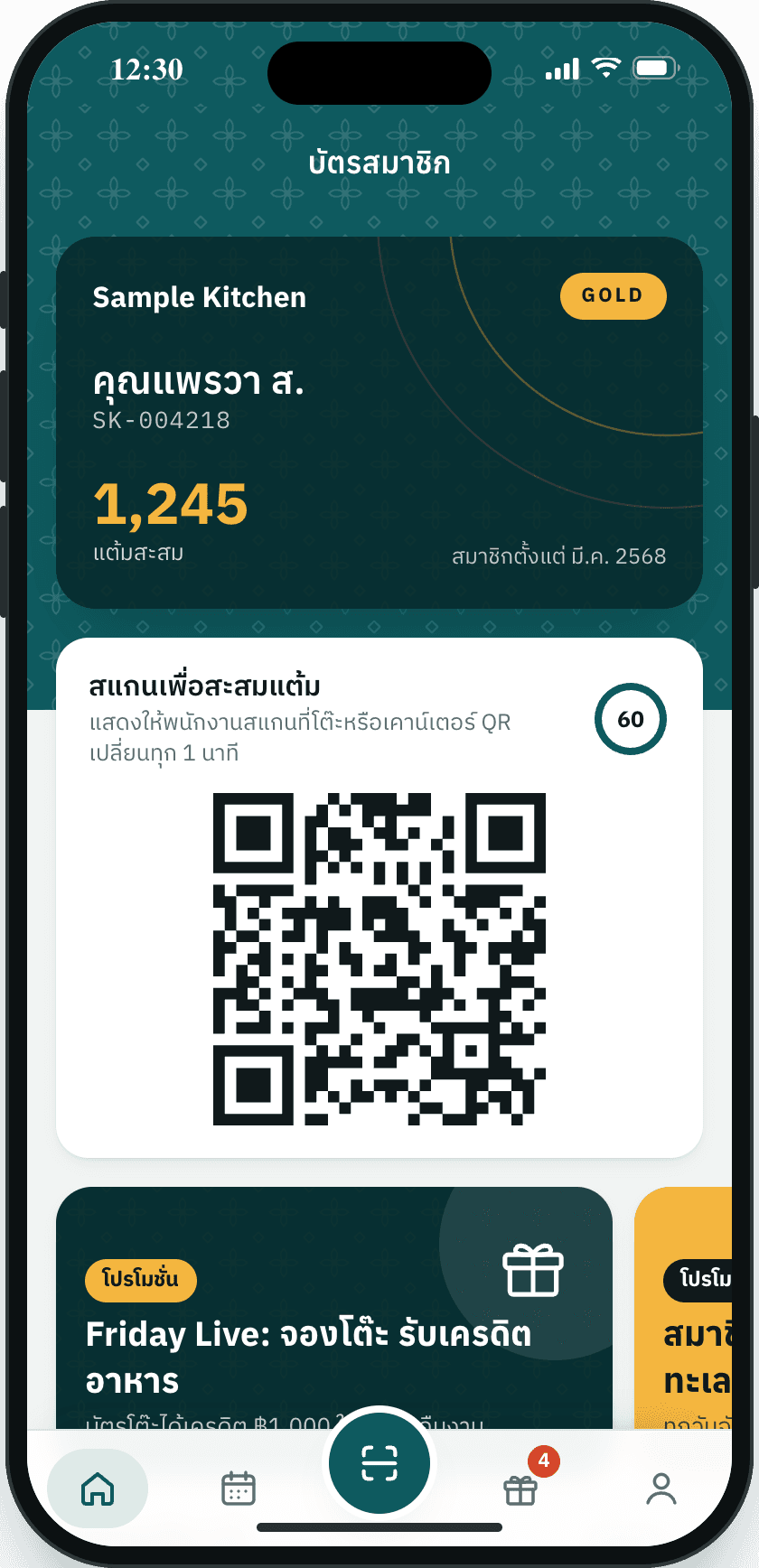
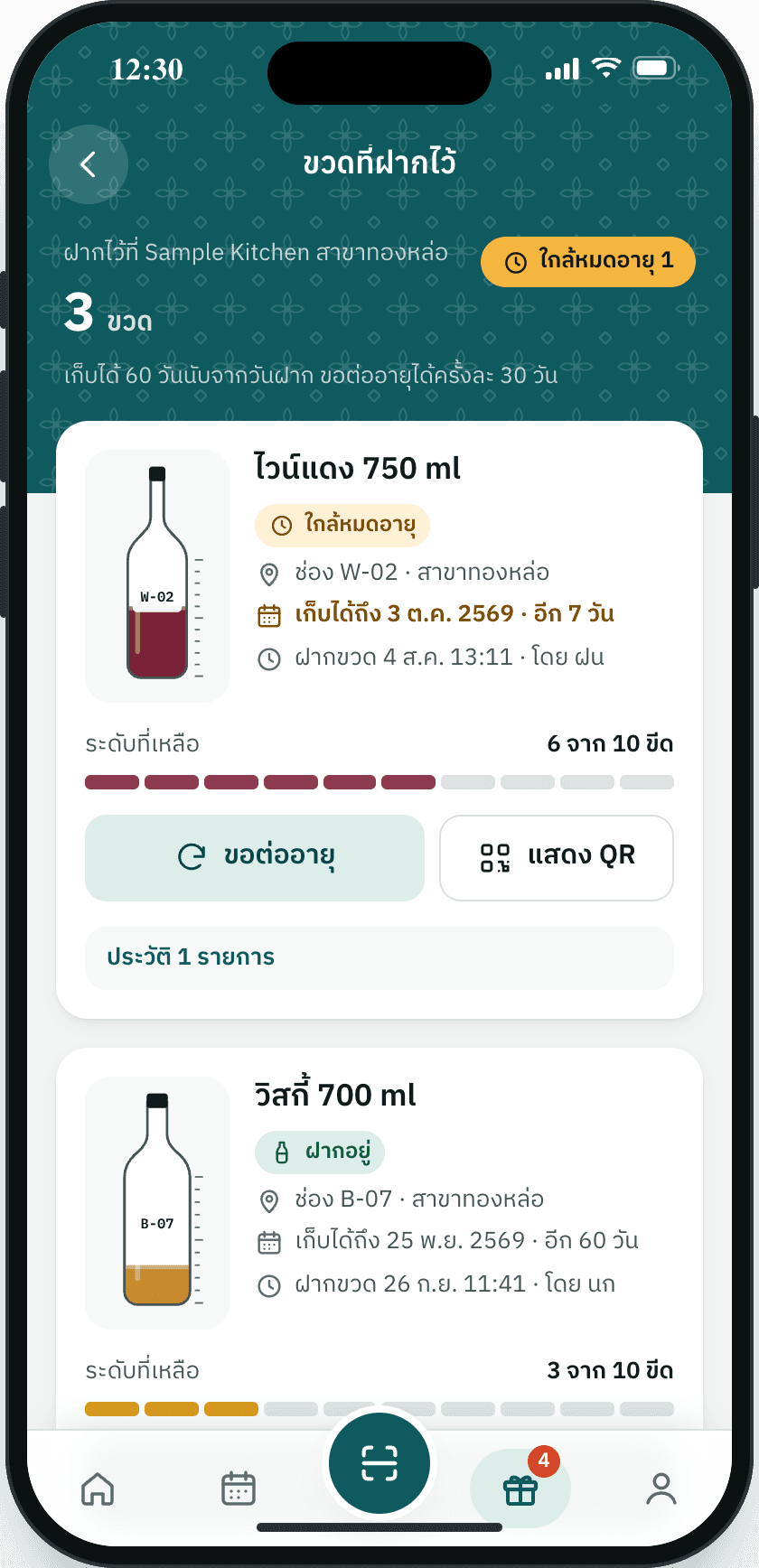
Get a quote

Design the system for your shop.Not off the shelf.

Choose step by step on the right and watch your system come together on the left. Send it to us for a quote, or ask us to call you first.

Type of shopBranchesTables
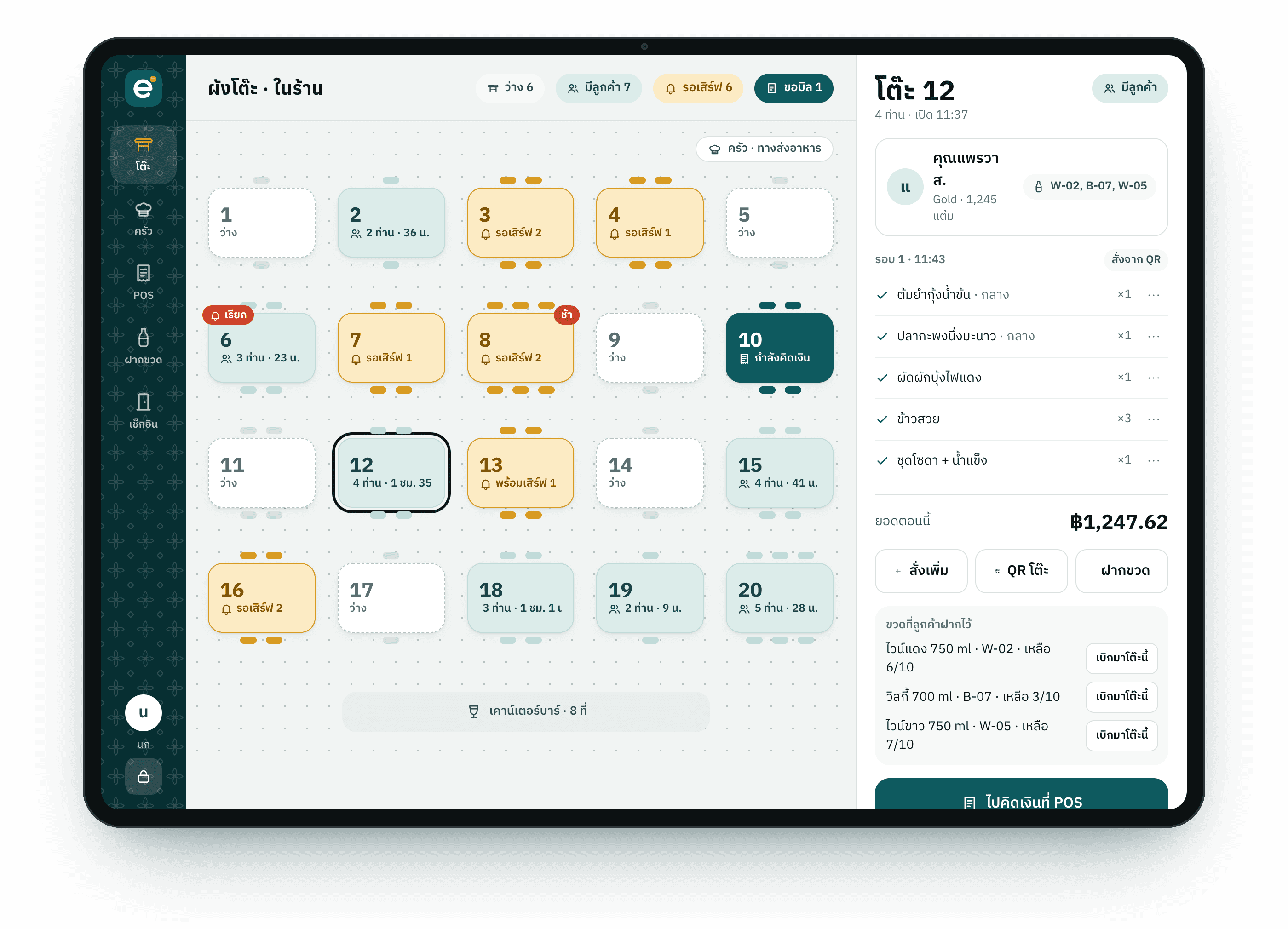
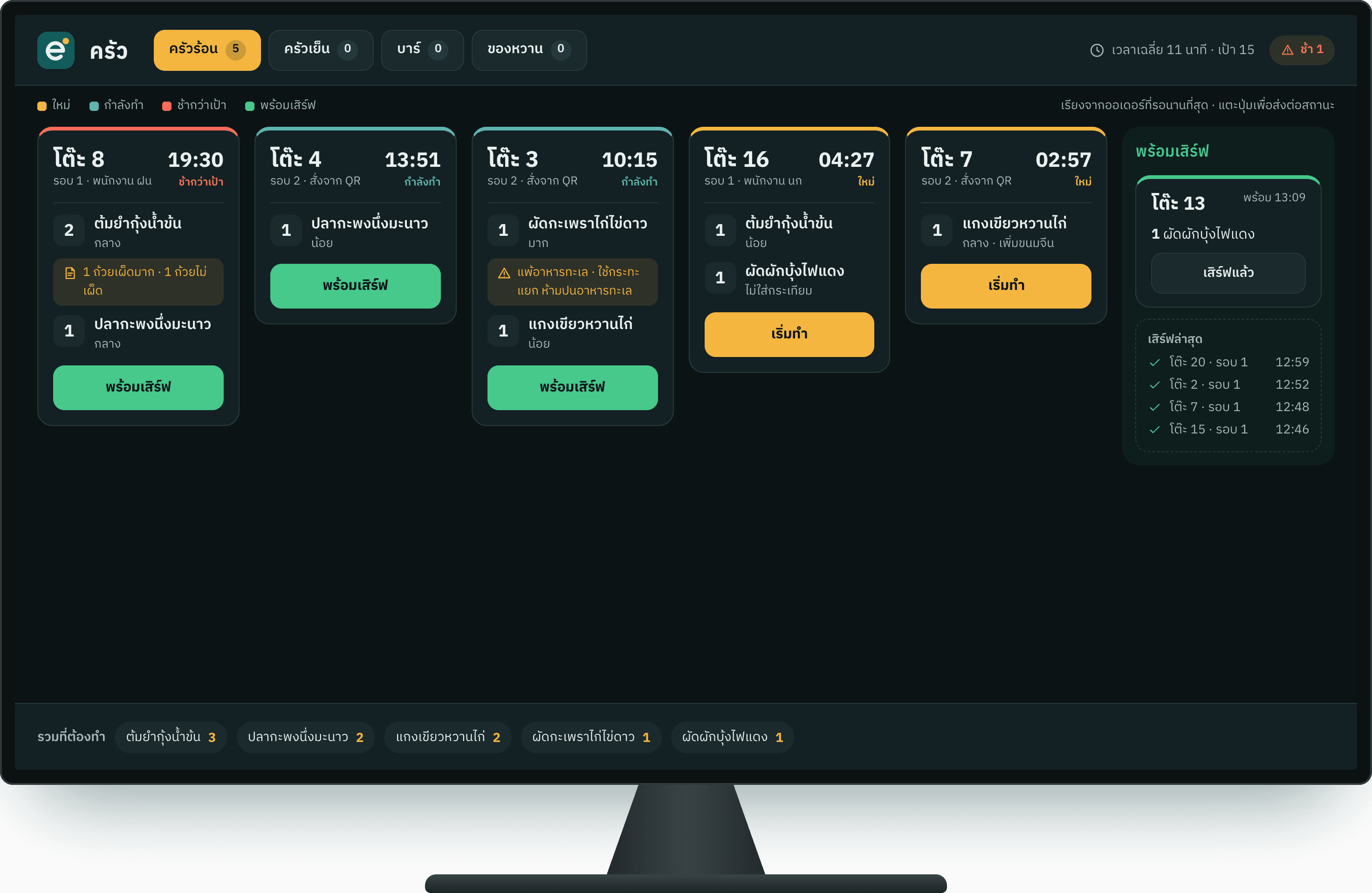
Kitchen
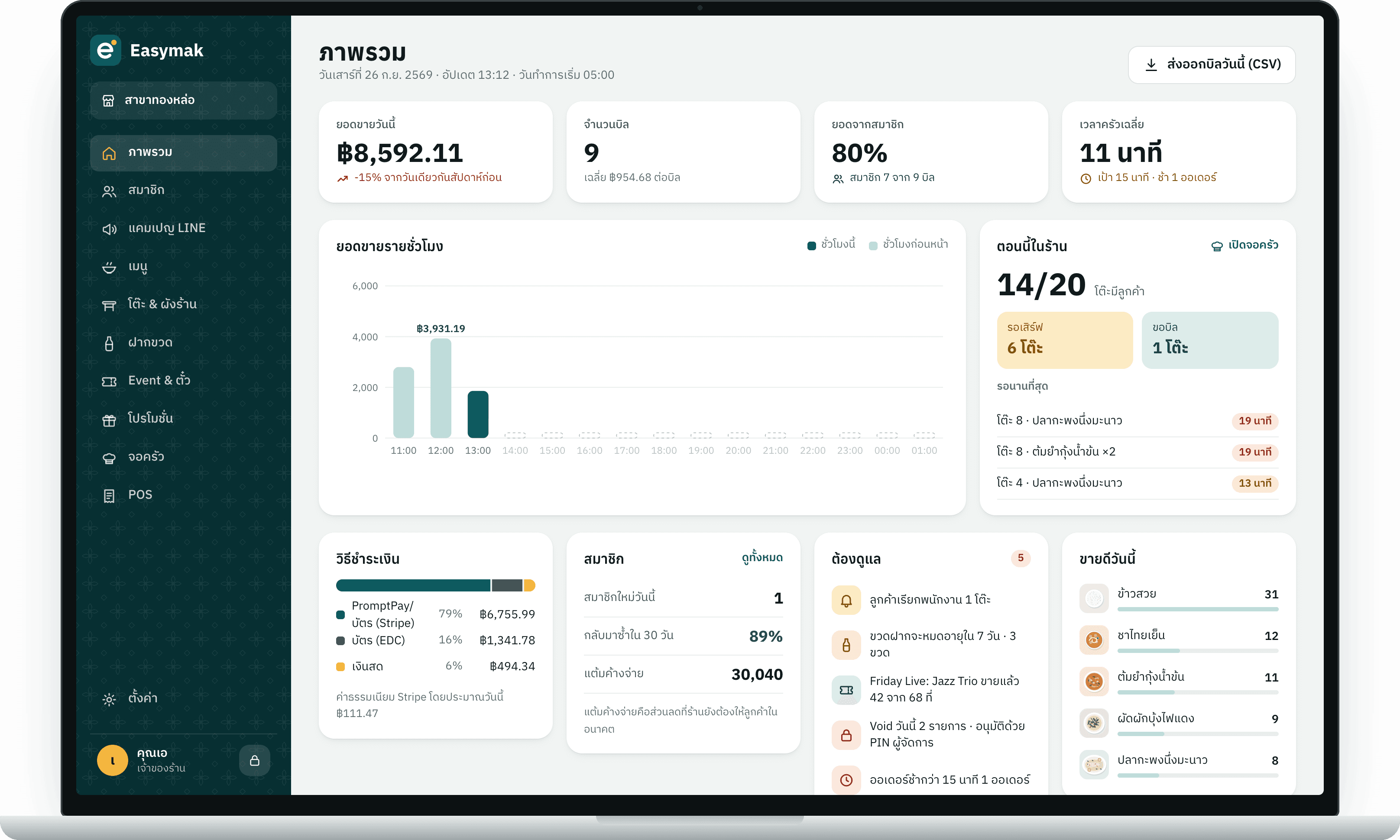
Back office
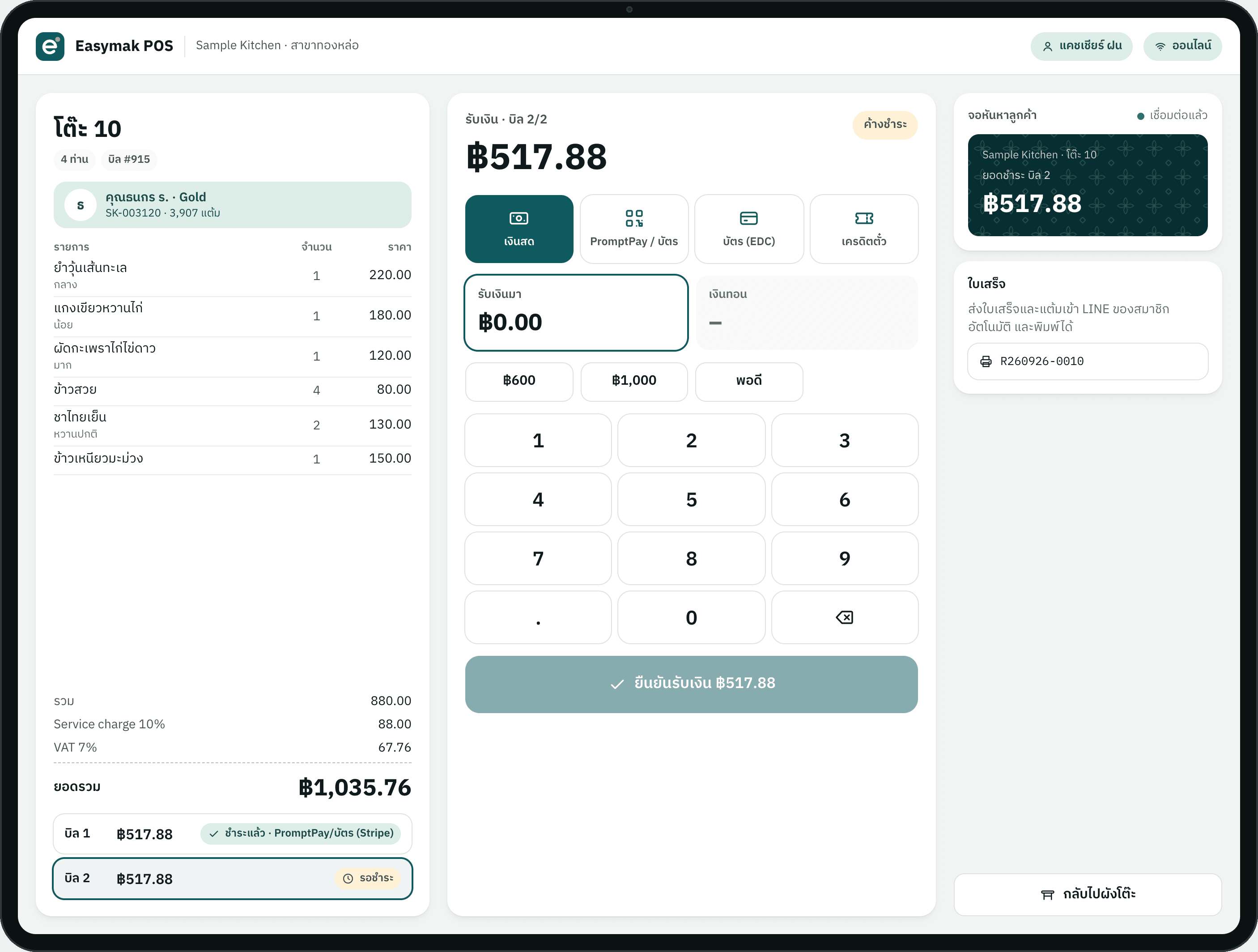
POS
Staff app
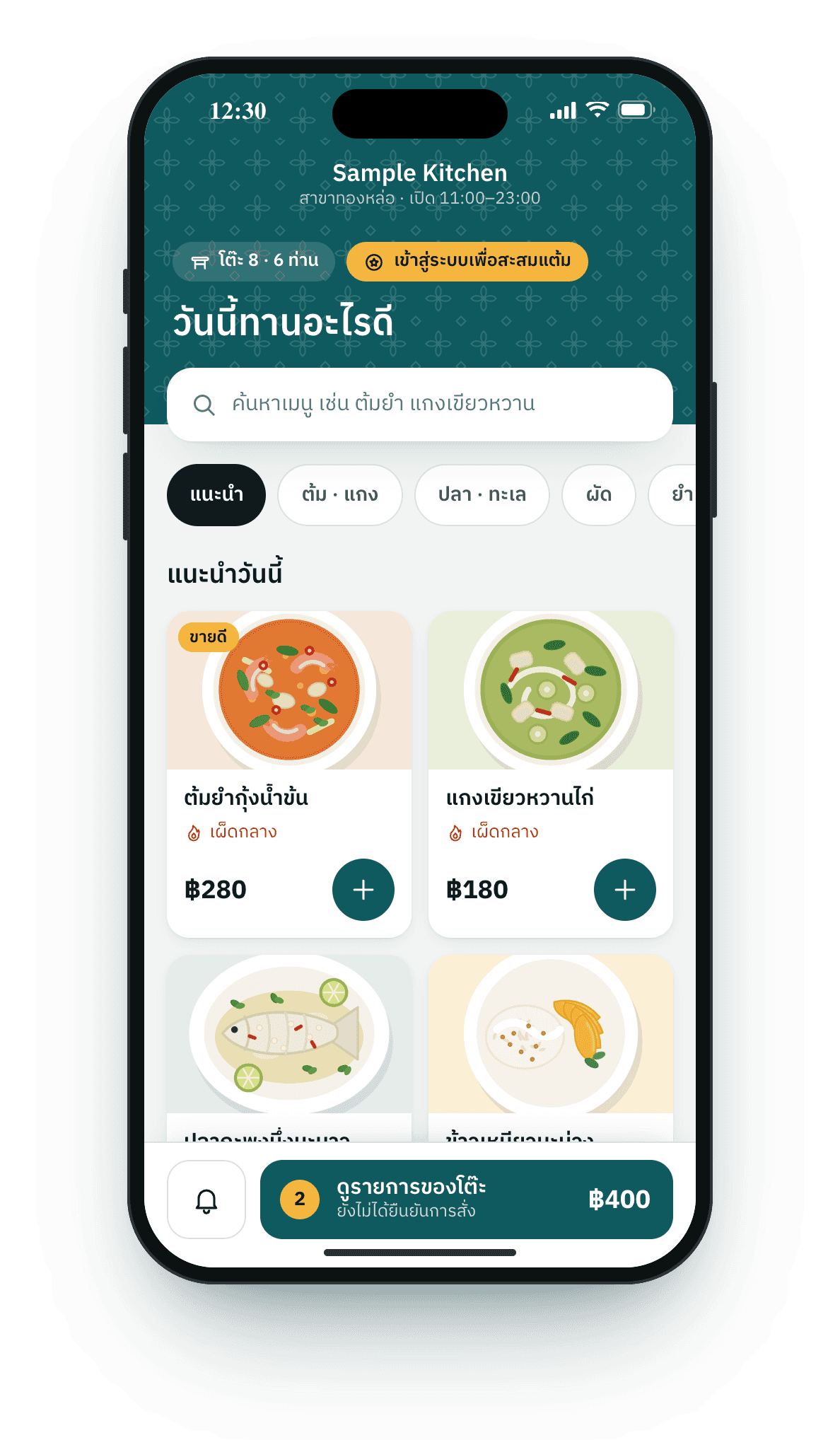
QR
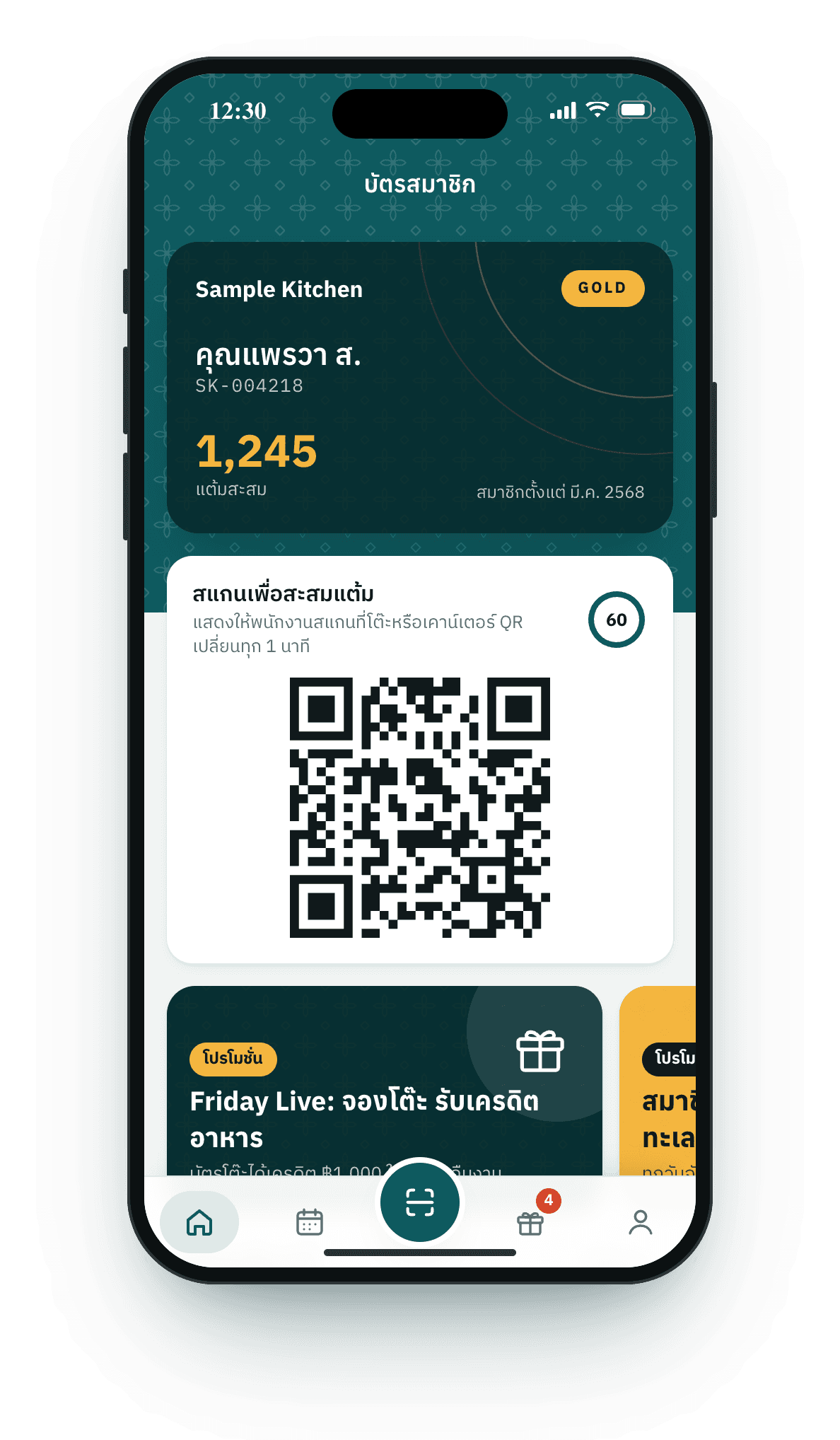
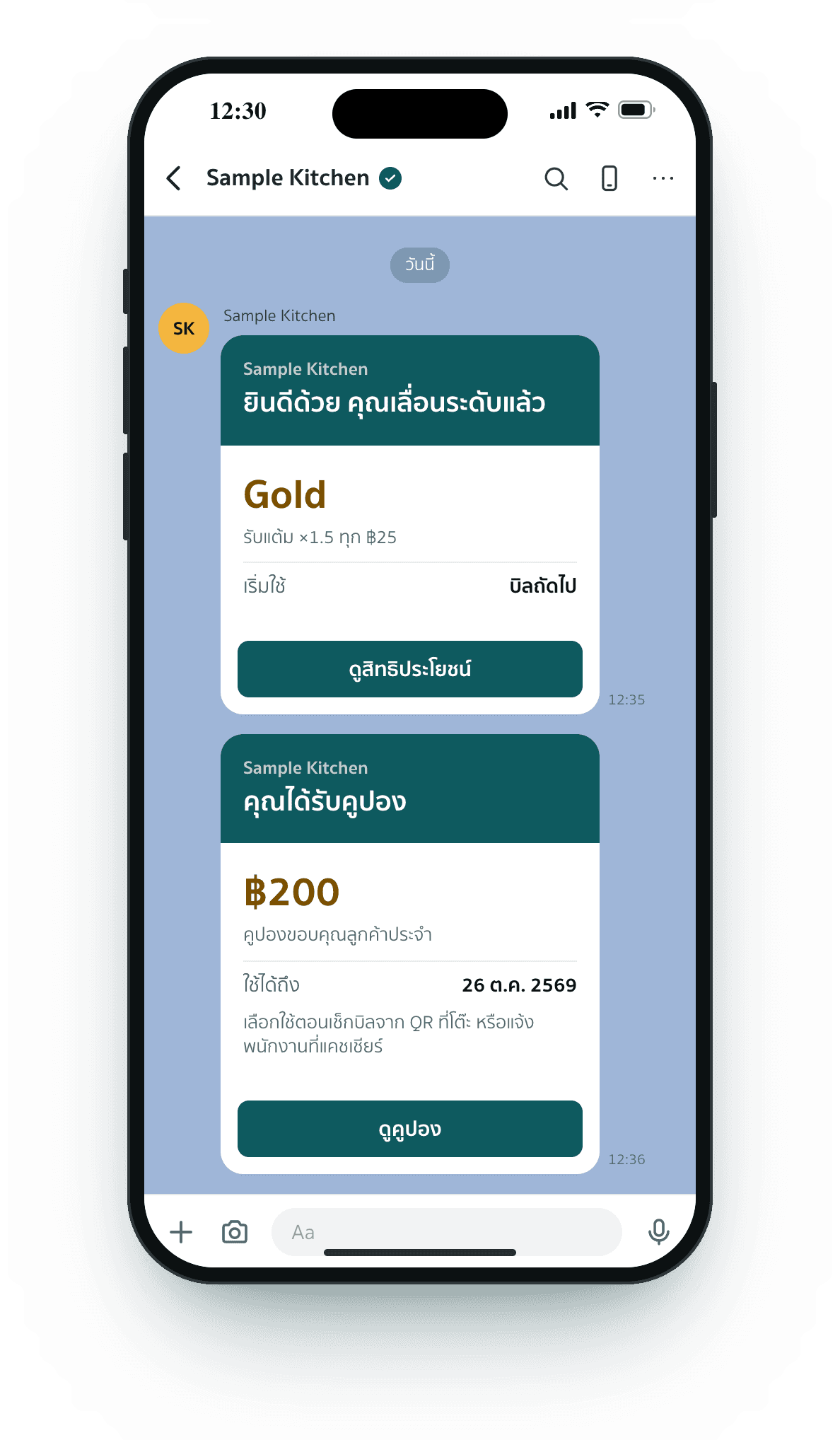
Member card
Bottles
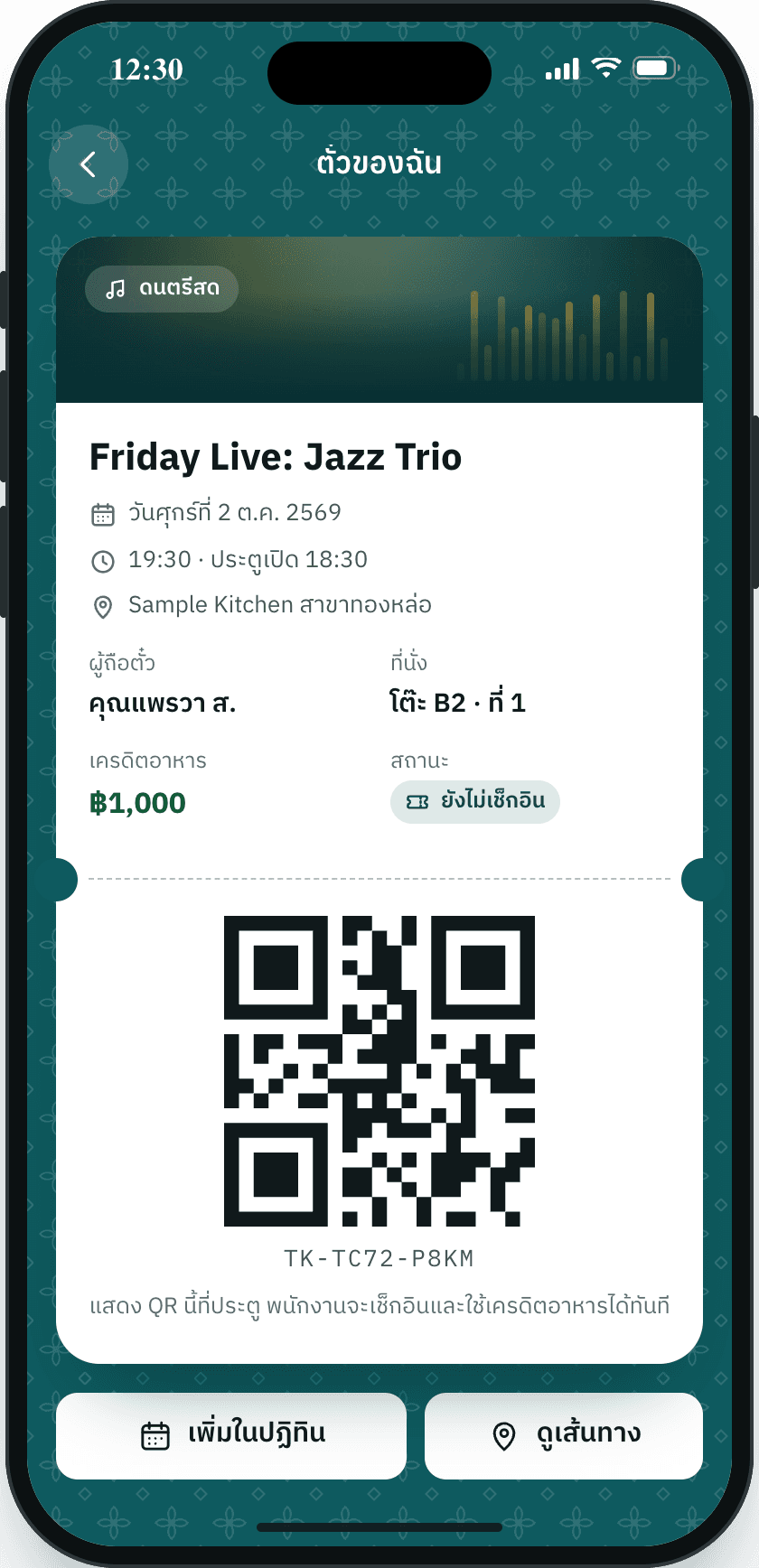
Tickets
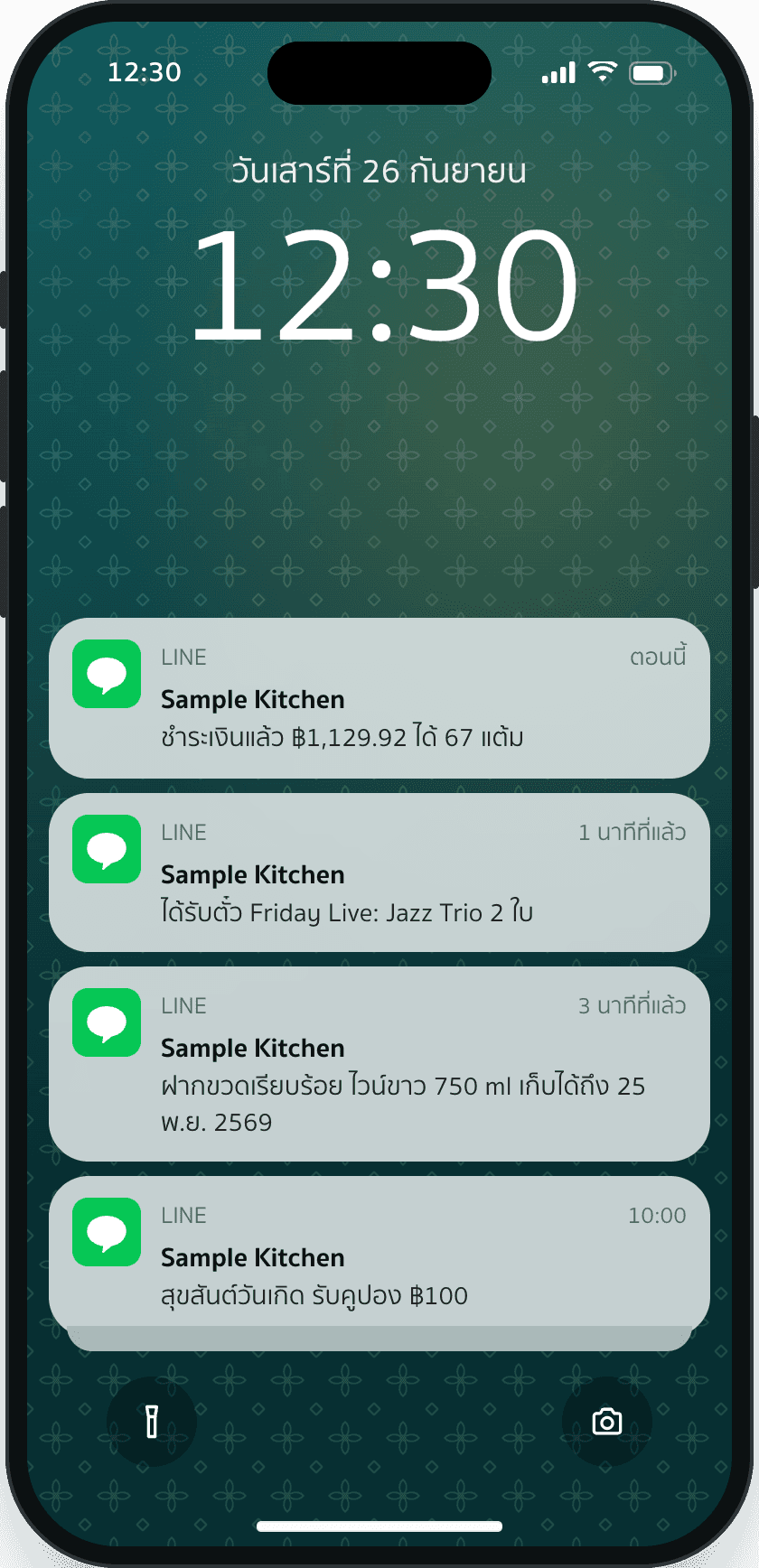
LINE alerts

Pick functions on the right to assemble your system here

Customization

Standard system

0 of 5 required steps done

0/9

1Step 1 of 6

Your shop. What kind is it?

Step 2 of 6

Size. How many branches and tables?

Finish the steps above to unlock this one

Branches
Tables per branch, roughly
What do you use today?(optional)

Step 3 of 6

Functions. What will your shop use?

Finish the steps above to unlock this one

0 of 9 selected

Step 4 of 6 · optional

Customize. Make it yours.

Finish the steps above to unlock this one

Easymak is not off the shelf. We adapt everything from your workflow and your own functions to your colors and brand CI.

0 / 2,000

Step 5 of 6

Plan. When would you like to start?

Finish the steps above to unlock this one

Start within
Rough budget(optional)
Devices such as tablets, kitchen screens, printers(optional)

Step 6 of 6

Contact. How should we reach you?

Finish the steps above to unlock this one

Contact me by
Best time

Your details are only used to contact you and prepare the quote.

After you send your requirements

What happens next

We take it step by step: you see the designs and try a demo before we move everything to your main LINE OA.

  1. Your requirements

    Step 2 of 6
    • QR ordering
    • LINE member card
    • Your logo and colors
    Request a quote
    Q-260926-7K4M
    Step 1You are here

    We gather your requirements

    We talk through what your shop needs, which functions it uses and what should fit your way of working. Fill in the step-by-step form yourself, or have us call you.

    What you get

    • A summary of your needs
    • Scope of work and a quote
  2. Shop overviewMember card and QRDraft v2Can the buttons use our logo color?Done in draft v2
    Step 2

    We send designs for your review

    Screens for guests, staff and the back office are designed in your brand, then sent to you to check and revise before anything is built.

    What you get

    • Every screen in your brand colors
    • Revisions from your feedback before the build
  3. Live floor planTable menuDEMOWith your real menu
    Step 3

    We build a demo to try

    The system is set up with your real menu, tables and data, so you and your staff can order, charge and use member cards on a test LINE OA before guests ever see it.

    What you get

    • A demo link with every function
    • Staff practice before launch day
    Try the demo now
  4. Tier up and couponMember card and QRYour LINE OALive
    Step 4

    We move it to your main LINE OA

    The system is connected to your main LINE OA, the rich menu is set so guests reach their member card in one tap, existing members are moved over if you have them, and you go live.

    What you get

    • Rich menu and member card on your LINE OA
    • Notifications sent from your own OA
    • Live with your guests